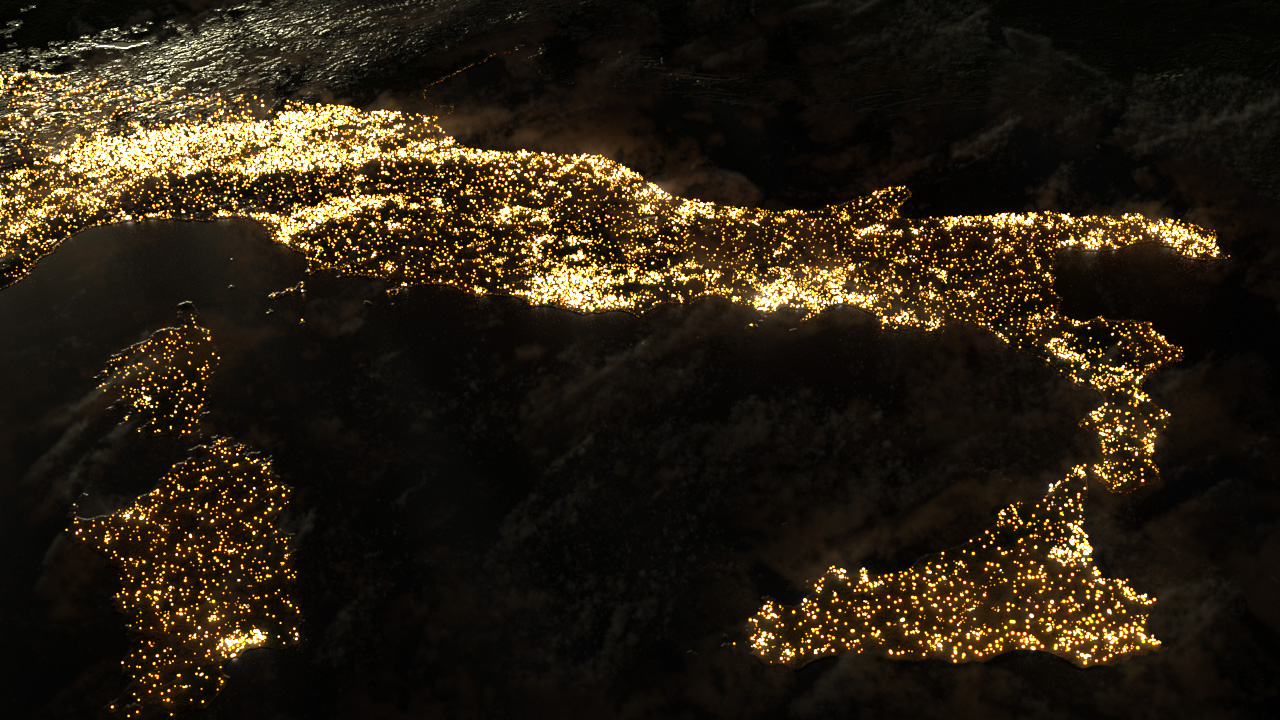
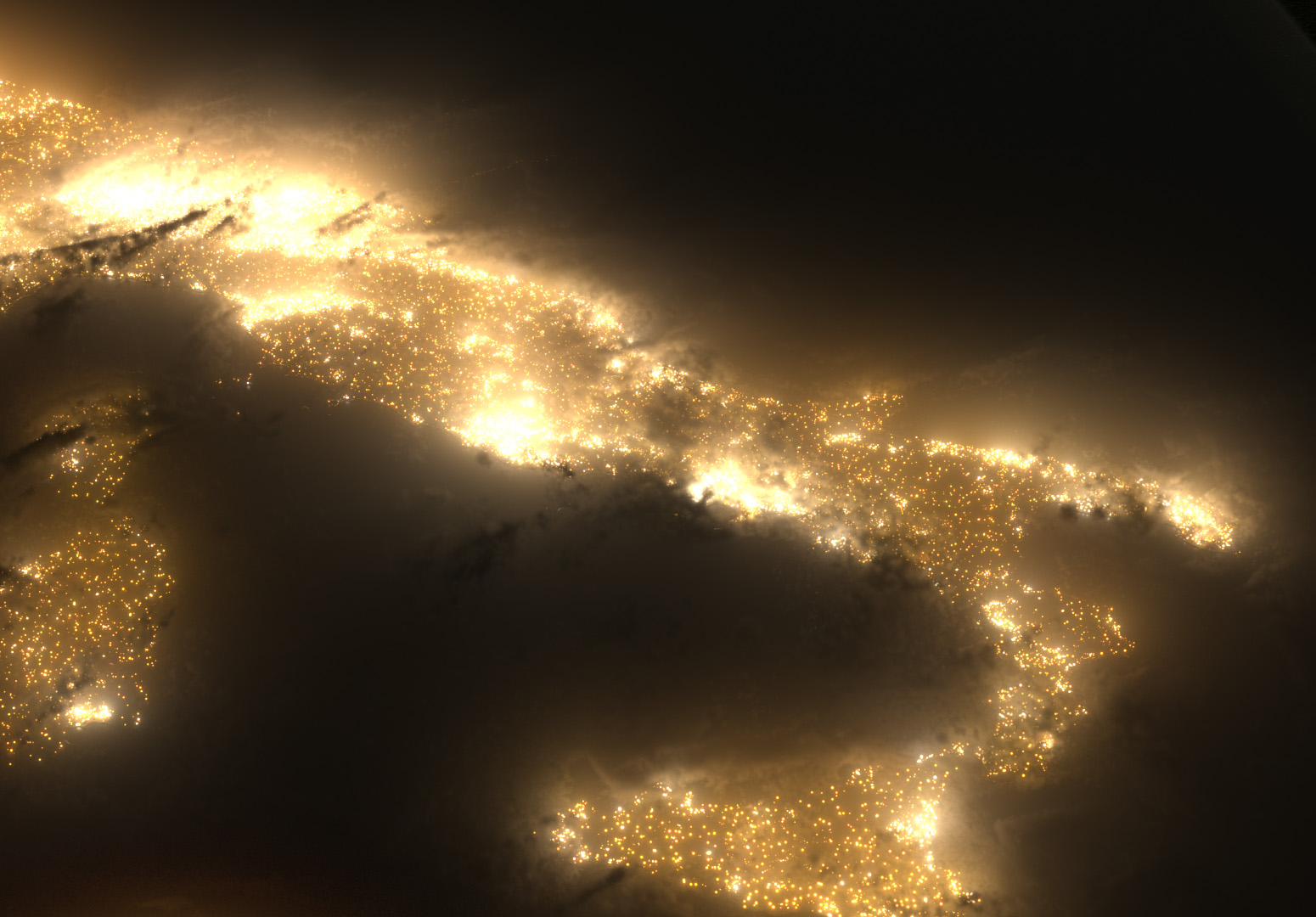
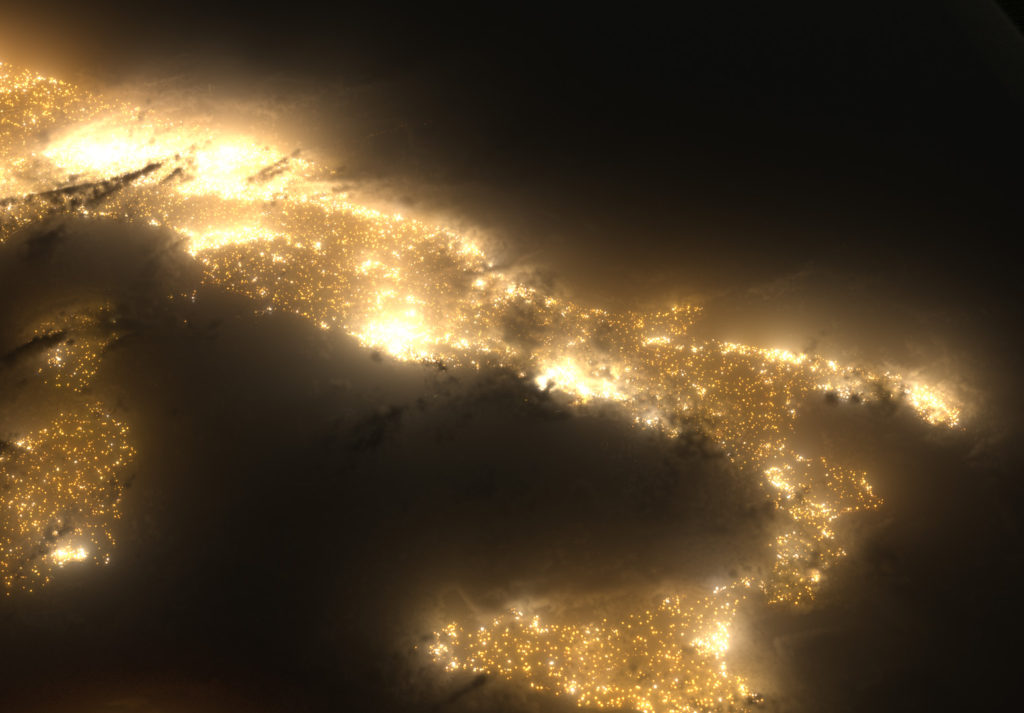
As a personal project, I’ve started to create my own images of the earth from space.
For reference, I used the Blue Marble V2 imagery from NASA that’s in the public domain. I also found some satellite imagery for the earth at night – but it’s virtually unusable for close-ups due to the low resolution – so I’ve recreated all of the city lights, allowing for a much higher level of detail.
In these particular images, I’ve been figuring out exactly how dense the clouds should be, how much haze/atmosphere is needed (if at all), and exactly how much brightness the lights should be casting out (should they illuminate the clouds? If so, how much?).
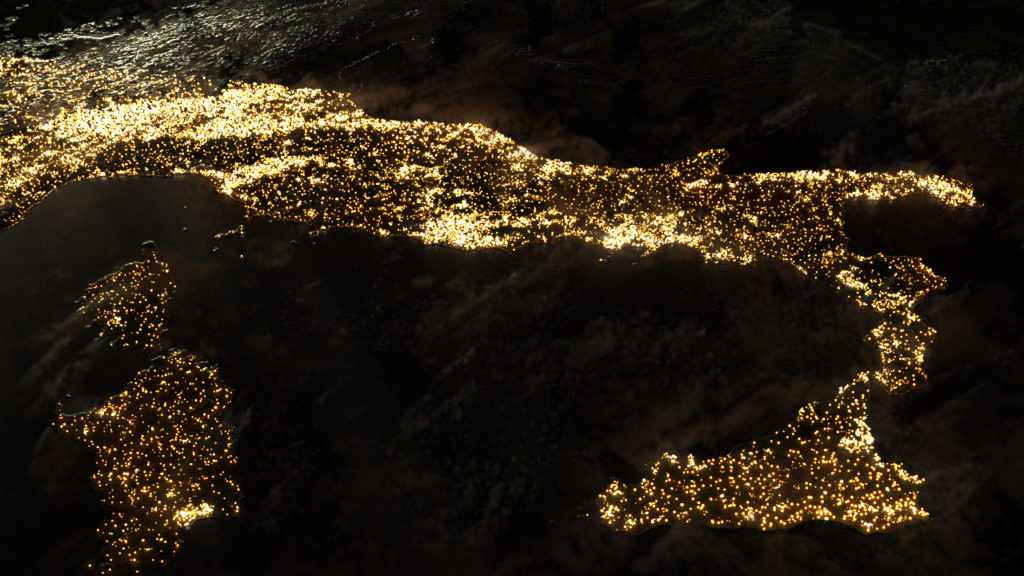
At this point in time, I’m not mapping the lights to road or street maps – though I’d like to at some point for increased accuracy. Currently, the points are scattered onto the terrain based on the low-resolution night imagery – but this leads to a harsh transition from the dense city areas to the more rural countryside, I need to figure out how to smooth that somewhat.
Can’t wait to animate this a bit for cloud parallax!
Created in Houdini; rendered with Mantra. Images are straight from the render; no color correction.
Hey everyone,
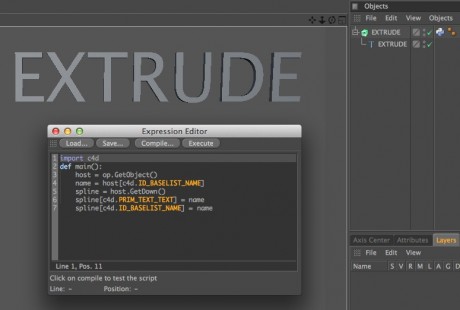
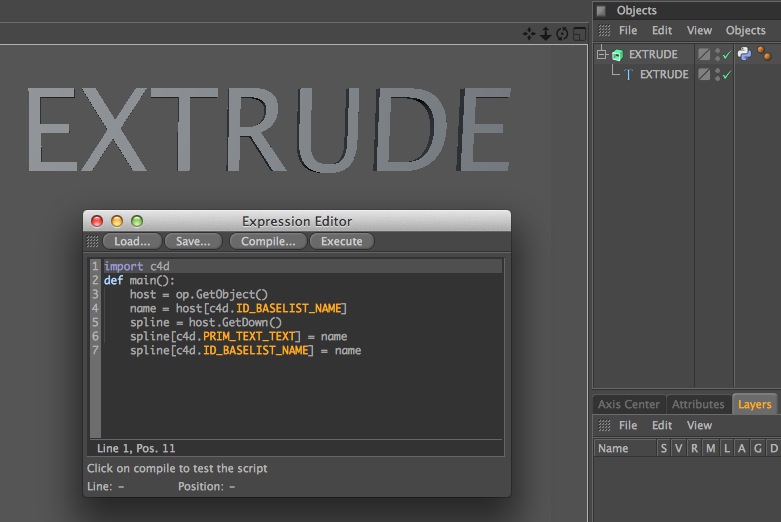
Here’s a small python tag you can place on an Extrude object that has a text spline underneath. Once added, you can easily modify the text being extruded by simply renaming the Extrude object itself. It’s very handy when you have lots of separate text elements, and it can easily be adapted for MoText objects as well.
Download link –> [download id=”112″ format=”basic”]